Where do my videos go?
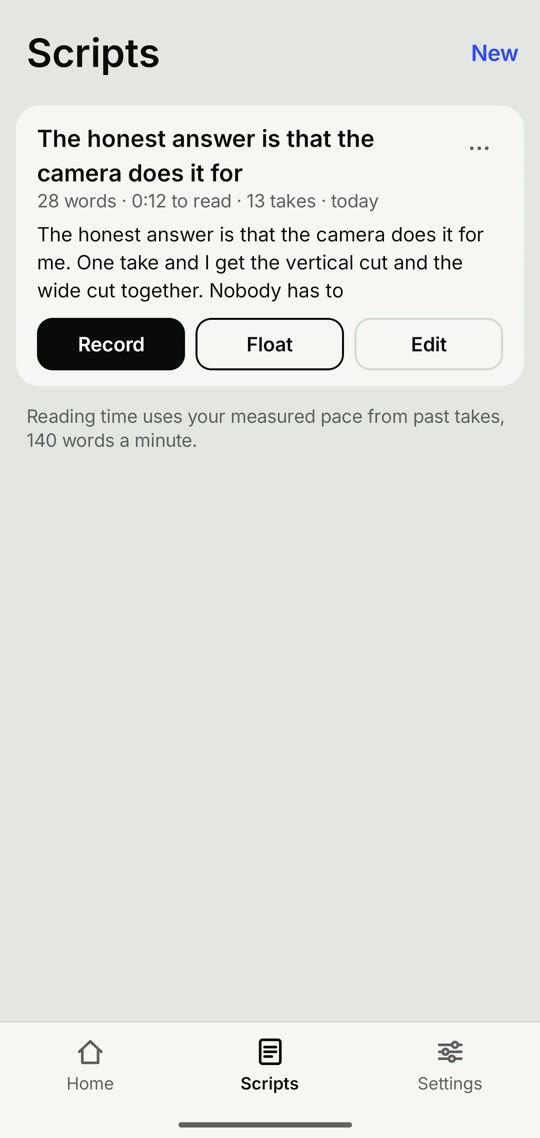
Every take is kept in the app, under Takes. Its landscape and portrait files are also saved to your gallery, in Movies/And Action. Cleaned audio goes to Music/And Action.
Why are there two files for one take?
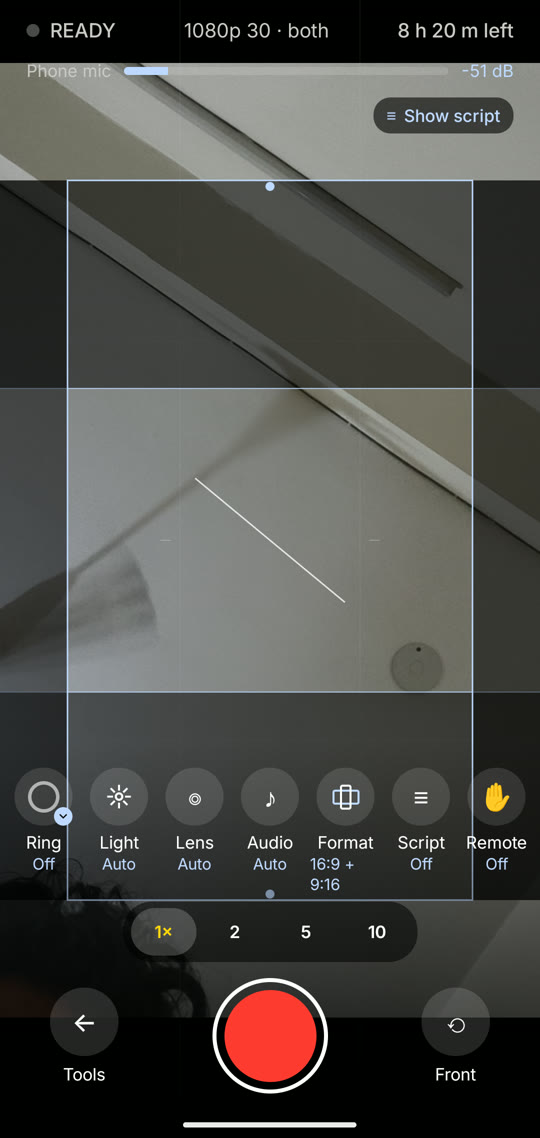
With both shapes chosen, one recording gives you a landscape file and a portrait file. Pick one shape in the recorder if you only need one.
Why does the floating script need a permission?
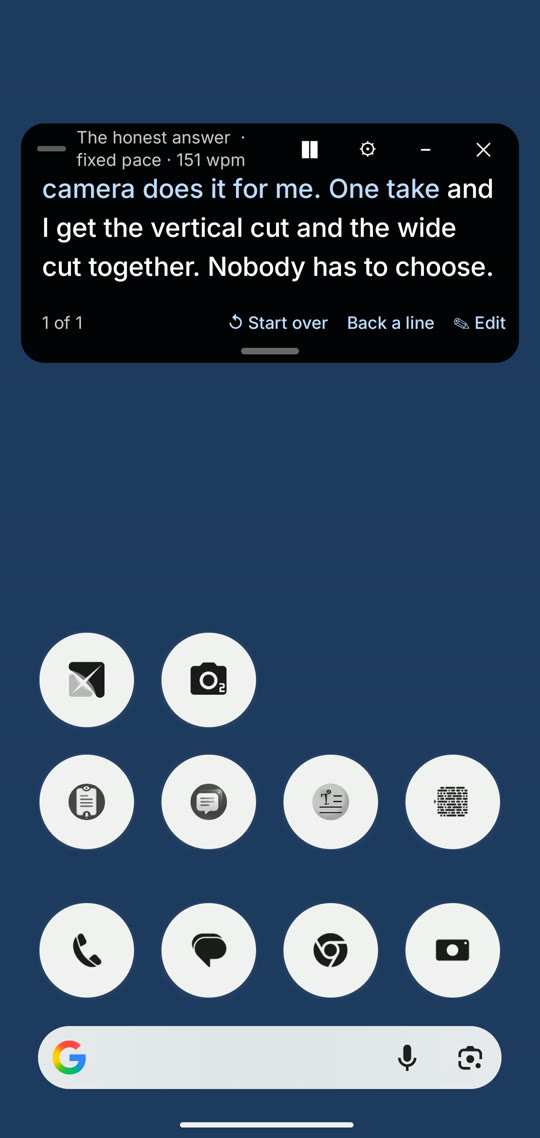
To stay on screen over another camera app, Android asks you to allow "Display over other apps" for And Action. It is used only while the script is floating. It shows in screen recordings and screen shares.
Why is the noise remover missing on my phone?
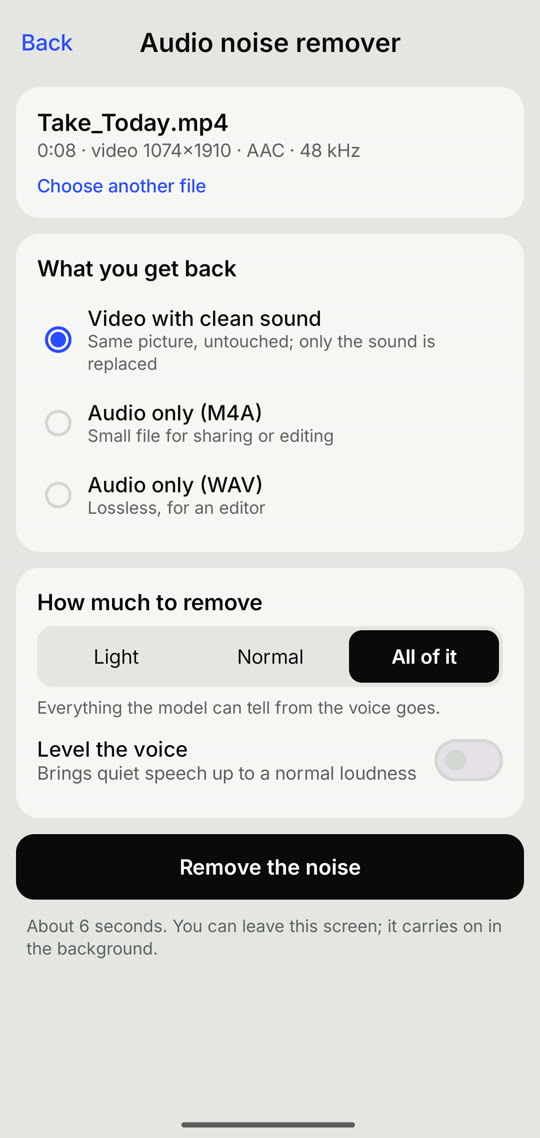
It runs entirely on the phone, so it needs a 64-bit phone with at least 3 GB of memory and a processor fast enough to keep up. On slower phones it is hidden.
Voice follow does not move. What should I check?
Check that the microphone is allowed and that your phone has offline speech for your language, in Google's speech settings. If it still stops, choose Fixed pace or Tap.
A take stopped saving when I left the app
Some phones close background apps to save battery. Allow And Action to run in the background in your phone's battery settings. The Help page in the app lists the steps for Xiaomi, Realme, OPPO, OnePlus, vivo and Samsung.
A take that was still being saved carries on the next time you open the app.